
MotionLink
Unlock professional-grade head motion tracking with your AirPods
Table of Contents

Introduction
MotionLink is a powerful iOS application that leverages Apple's Headphone Motion API (introduced in iOS 16) to capture and display real-time head tracking data from your AirPods Pro.
Whether you're a:
- 📱 iOS Developer building spatial audio experiences
- 🧪 Researcher studying human head movement
- 🎮 Game Developer creating head-controlled interfaces
- 🎧 Audio Enthusiast exploring spatial audio
- 🧑💻 Maker integrating head tracking into projects
—MotionLink gives you direct access to the same head motion data that powers Apple's Spatial Audio with Dynamic Head Tracking.
Features Overview
Core Features
| Feature | Description | Use Case |
|---|---|---|
| Real-Time Tracking | Live display of yaw, pitch, roll at up to 100Hz | Visual feedback, gaming |
| Quaternion Output | Full 4-component quaternion (x, y, z, w) | Robotics, VR/AR development |
| CSV Recording | Timestamp + rotation data to CSV files | Research, data analysis |
| Data Export | Share via Email, AirDrop, or save to Files | Python, R, MATLAB analysis |
| Connection Monitor | Live AirPods connection status | Debugging, UX |
| Permission Manager | Built-in motion permission handling | User onboarding |
Advanced Features
┌─────────────────────────────────────────────────────────────┐
│                    HEAD TRACKING DATA                        │
├─────────────────────────────────────────────────────────────┤
│  YAW (Heading)    │  -180°  ────  0°  ────  +180°          │
│  PITCH (Nick)     │   -90°  ────  0°  ────  +90°           │
│  ROLL (Tilt)      │   -90°  ────  0°  ────  +90°           │
│                                                             │
│  QUATERNION       │  x: 0.000  y: 0.000  z: 0.000  w: 1.000 │
│  FREQUENCY        │  ~60-100 Hz (device dependent)         │
└─────────────────────────────────────────────────────────────┘
Getting Started
Prerequisites
- ✅ iPhone or iPad running iOS 16.0 or later
- ✅ Supported AirPods (see below)
- ✅ Bluetooth enabled on your device
- ✅ Motion permissions granted (prompted on first launch)
Quick Start Guide
To manually enable permissions:
Settings → Privacy & Security → Motion → MotionLink → Allow
To start, simply open the app, wait for the "AirPods Connected" status, and tap Start Tracking.
Supported Devices
✅ iOS Devices
| Device | Minimum iOS |
|---|---|
| iPhone 14 / 14 Pro / 14 Pro Max | iOS 16.0+ |
| iPhone 13 series | iOS 16.0+ |
| iPhone 12 series | iOS 16.0+ |
| iPhone 11 series | iOS 16.0+ |
| iPhone SE (2nd/3rd gen) | iOS 16.0+ |
| iPad Pro (all M-series) | iOS 16.0+ |
| iPad Air (4th gen+) | iOS 16.0+ |
| iPad mini (6th gen+) | iOS 16.0+ |
✅ Supported AirPods
| AirPods Model | Chip | Head Tracking |
|---|---|---|
| AirPods Pro (2nd gen) | H2 | ✅ Full Support |
| AirPods Pro (USB-C) | H2 | ✅ Full Support |
| AirPods Max | H1 | ✅ Full Support |
| AirPods 4 (with ANC) | H2 | ✅ Full Support |
| AirPods Pro (1st gen) | H1 | ❌ Not Supported |
| AirPods (3rd gen) | H1 | ❌ Not Supported |
| AirPods (2nd gen) | H1 | ❌ Not Supported |
| AirPods (1st gen) | W1 | ❌ Not Supported |
Understanding Head Tracking
MotionLink records two primary types of spatial data from your AirPods to help you track movement in 3D space.
Euler Angles (Yaw, Pitch, Roll)
These represent the rotation of your head in degrees:
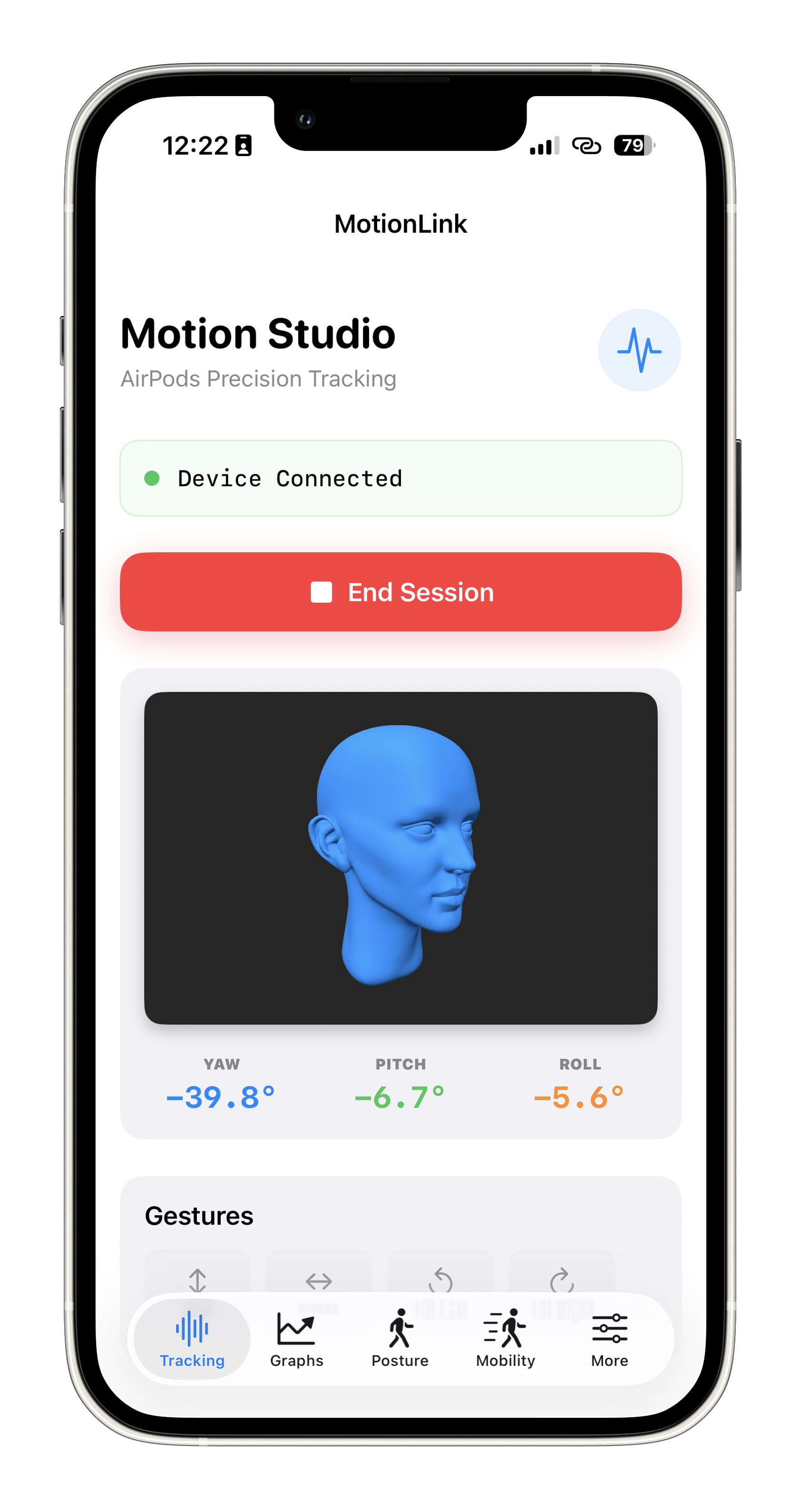
- Yaw (Heading): Looking left and right (like shaking your head "no"). Range: -180° to +180°.
- Pitch (Nick): Looking up and down (like nodding your head "yes"). Range: -90° to +90°.
- Roll (Tilt): Tilting your head side to side towards your shoulders. Range: -90° to +90°.
Quaternions (x, y, z, w)
Quaternions are a mathematical notation for representing orientations and rotations of objects in three dimensions. Compared to Euler angles, they are computationally more efficient to compose and avoid the problem of "gimbal lock," making them the preferred standard in 3D rendering, robotics, and game engines.
Data Export & Analysis
CSV File Format
timestamp,elapsed_seconds,yaw,pitch,roll,quaternion_x,quaternion_y,quaternion_z,quaternion_w
1699876543.123,0.000,0.00,0.00,0.00,0.000000,0.000000,0.000000,1.000000
Troubleshooting Guide
| Symptom | Likely Cause | Solution |
|---|---|---|
| No tracking data | AirPods not connected | Reconnect AirPods in Bluetooth settings |
| App shows "Not Supported" | Unsupported AirPods | Use AirPods Pro 2nd gen or newer |
| Data is jumpy | Bluetooth interference | Move closer to your iPhone |
| Permission denied | Motion access disabled | Enable in Settings → Privacy & Security → Motion |
Frequently Asked Questions
Q: What AirPods do I need for head tracking?
You need AirPods Pro (2nd generation), AirPods Pro (USB-C), AirPods Max, or AirPods 4 with Active Noise Cancellation.
Q: Does this work with AirPods Pro (1st generation)?
No. First-generation AirPods Pro have the H1 chip, which does not support the required Headphone Motion API.
Privacy & Security
MotionLink is designed with privacy as a fundamental principle. The app operates entirely offline with zero data collection or transmission.
No Data Collection
- No personal information: We do not collect, store, or transmit any personally identifiable information (PII)
- No analytics: Zero third-party analytics, telemetry, or tracking SDKs are integrated
- No cloud storage: All processing occurs locally on your device
- No internet permissions: The app does not require network access for core functionality
Data Ownership & Control
- Your data, your control: All recorded head tracking data (CSV files) remains on your device
- Explicit sharing required: Data is only shared when you actively choose to export via Email, AirDrop, or save to Files
- No background transmission: The app cannot send data without your explicit action
Local Processing Details
- CoreMotion framework: Uses Apple's private Headphone Motion API (available since iOS 16) to access AirPods motion sensors
- In-memory calculations: Real-time rotation values (yaw, pitch, roll, quaternions) are calculated and displayed without persistent storage
- Temporary session data: Tracking data is held in memory during active sessions and written to CSV only upon your request
Security Best Practices
- No hardcoded credentials: The app contains no API keys, secrets, or embedded credentials
- Sandboxed environment: Runs within iOS's app sandbox with restricted filesystem access
- Permission-based access: Requires explicit user consent for motion tracking via system permission prompts
Data Export Format
When you choose to export data, CSV files contain only your head tracking measurements:
timestamp,elapsed_seconds,yaw,pitch,roll,quaternion_x,quaternion_y,quaternion_z,quaternion_w
1699876543.123,0.000,0.00,0.00,0.00,0.000000,0.000000,0.000000,1.000000
Exported files may be sent to email providers or cloud storage services of your choice (e.g., iCloud, Google Drive), but MotionLink itself never receives copies of exported data.
Technical Specifications
| Minimum iOS | 16.0 |
| Update Rate | 60-100 Hz (device dependent) |
| Coordinate System | Right-handed, Z-up |
| File Format | CSV (Comma-Separated Values) |
Updates & Roadmap
Current Version: 1.0 (March 2026). Future updates may include improved data visualization and control, more parameters to log, and other customization.
Get in Touch
- Email: engineer@makersportal.com
- Website: makersportal.com
- App Store: View on App Store
App Screenshots
Splash Screen
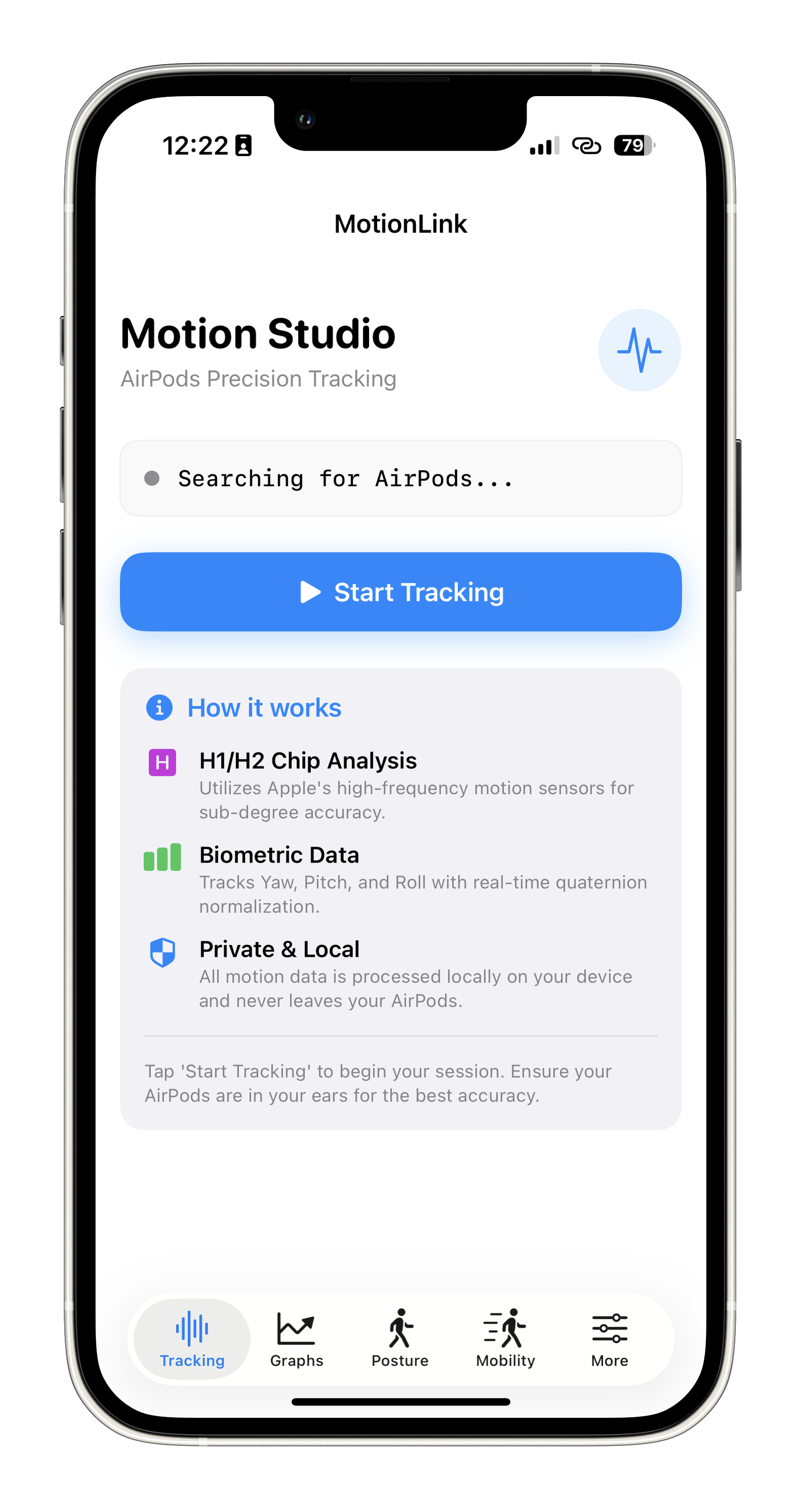
Main Tracking Tab
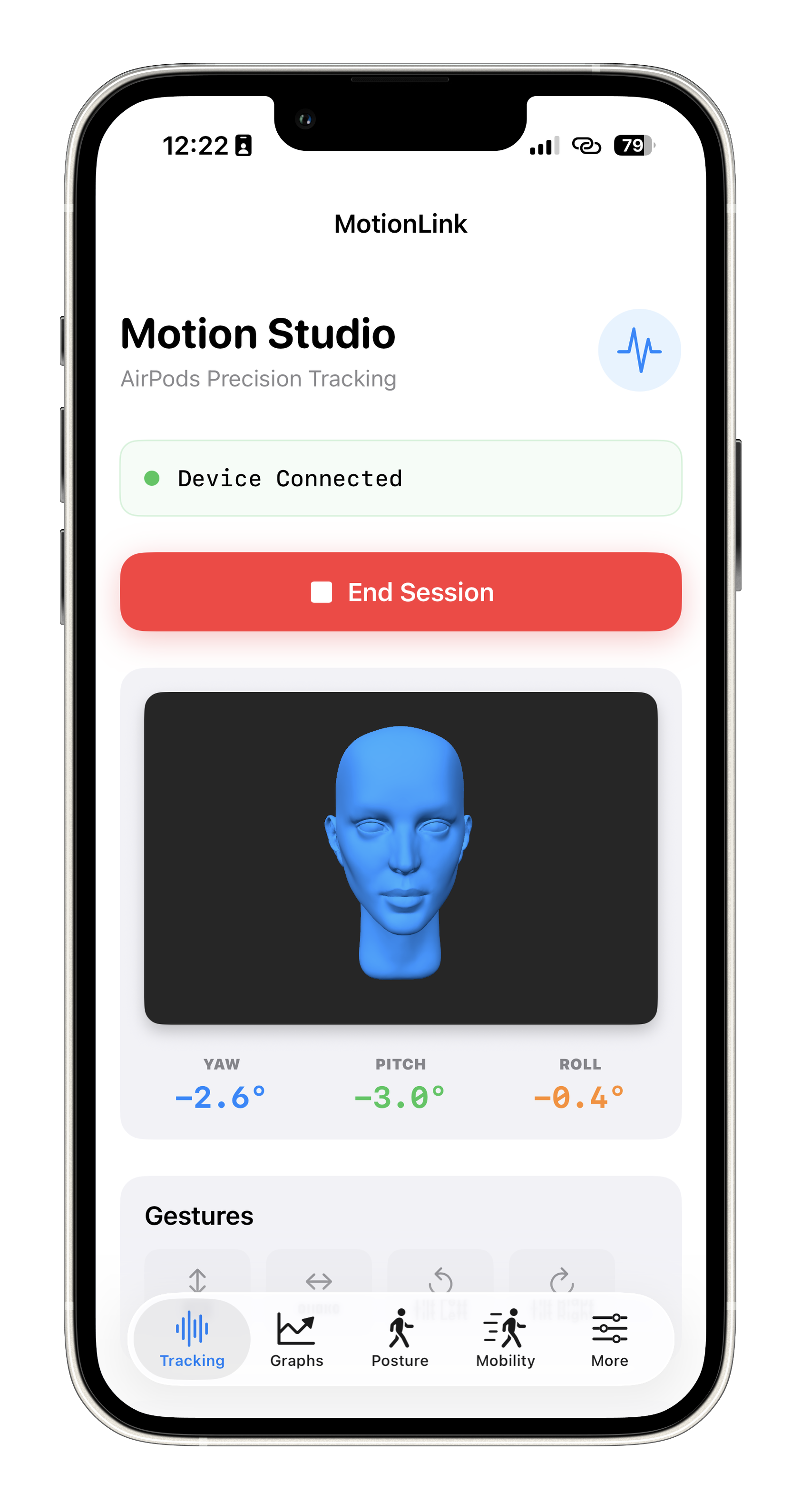
Live Animation View
Animation of head tracking
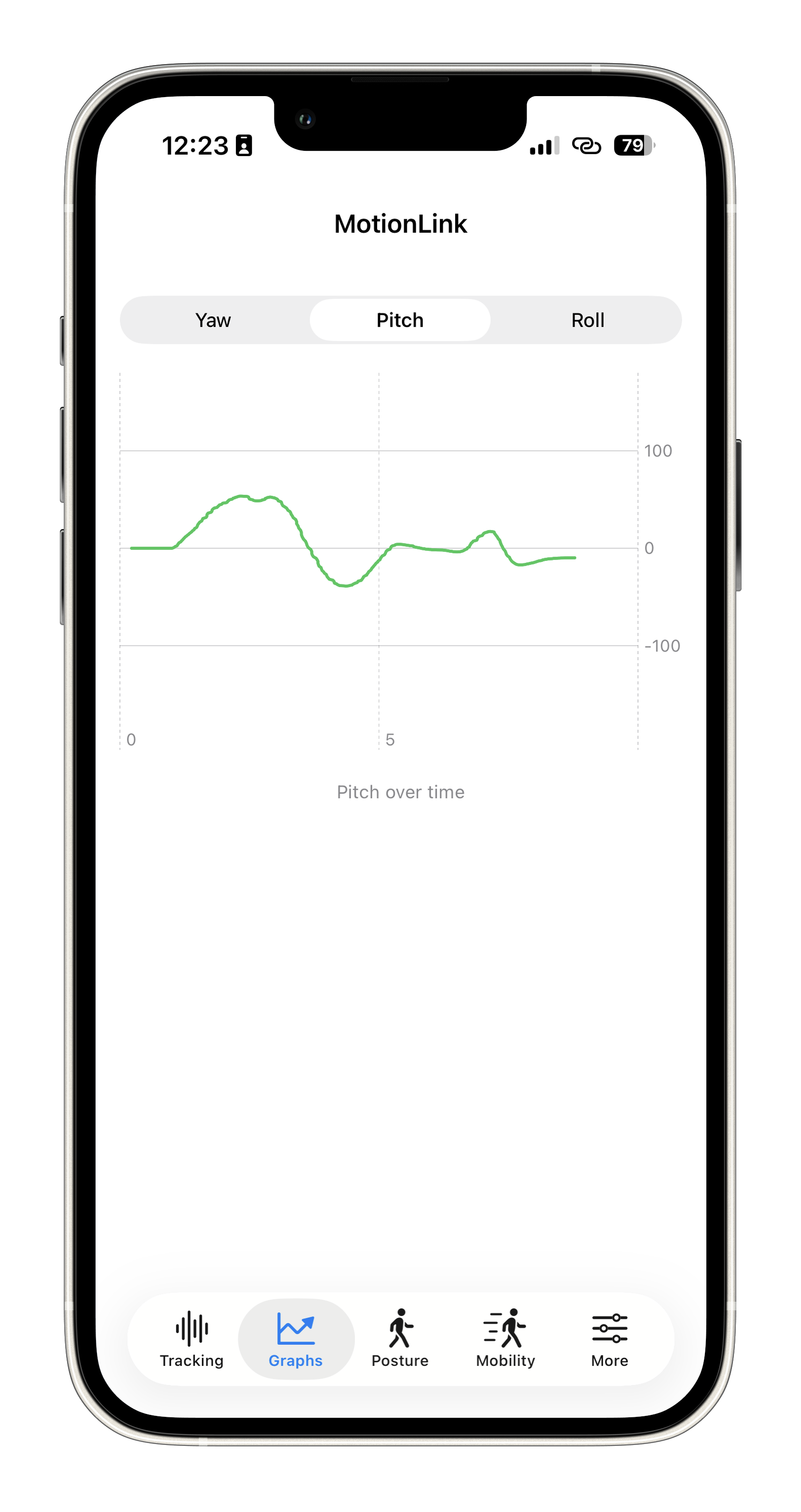
Plotting View
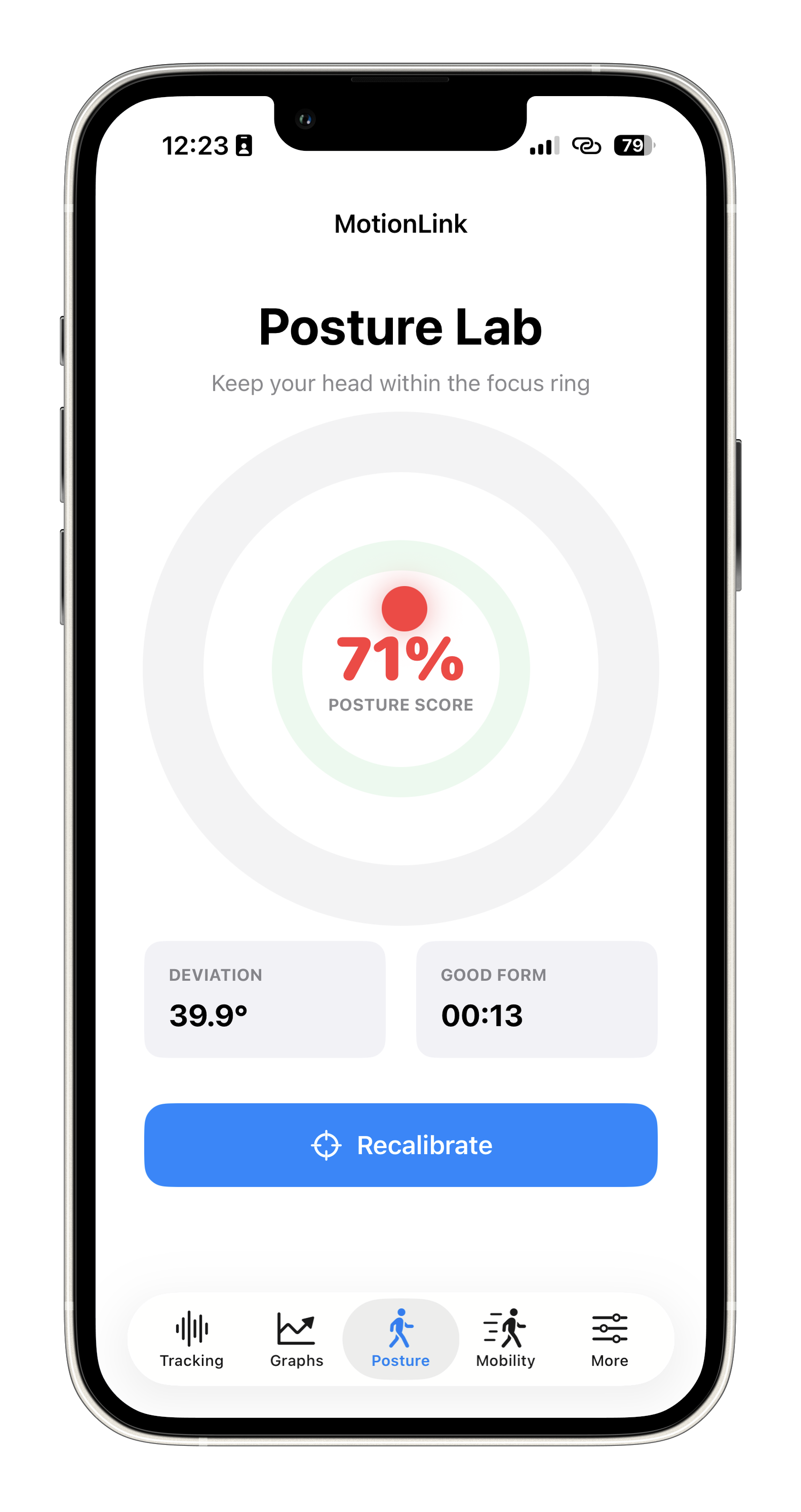
Posture Lab
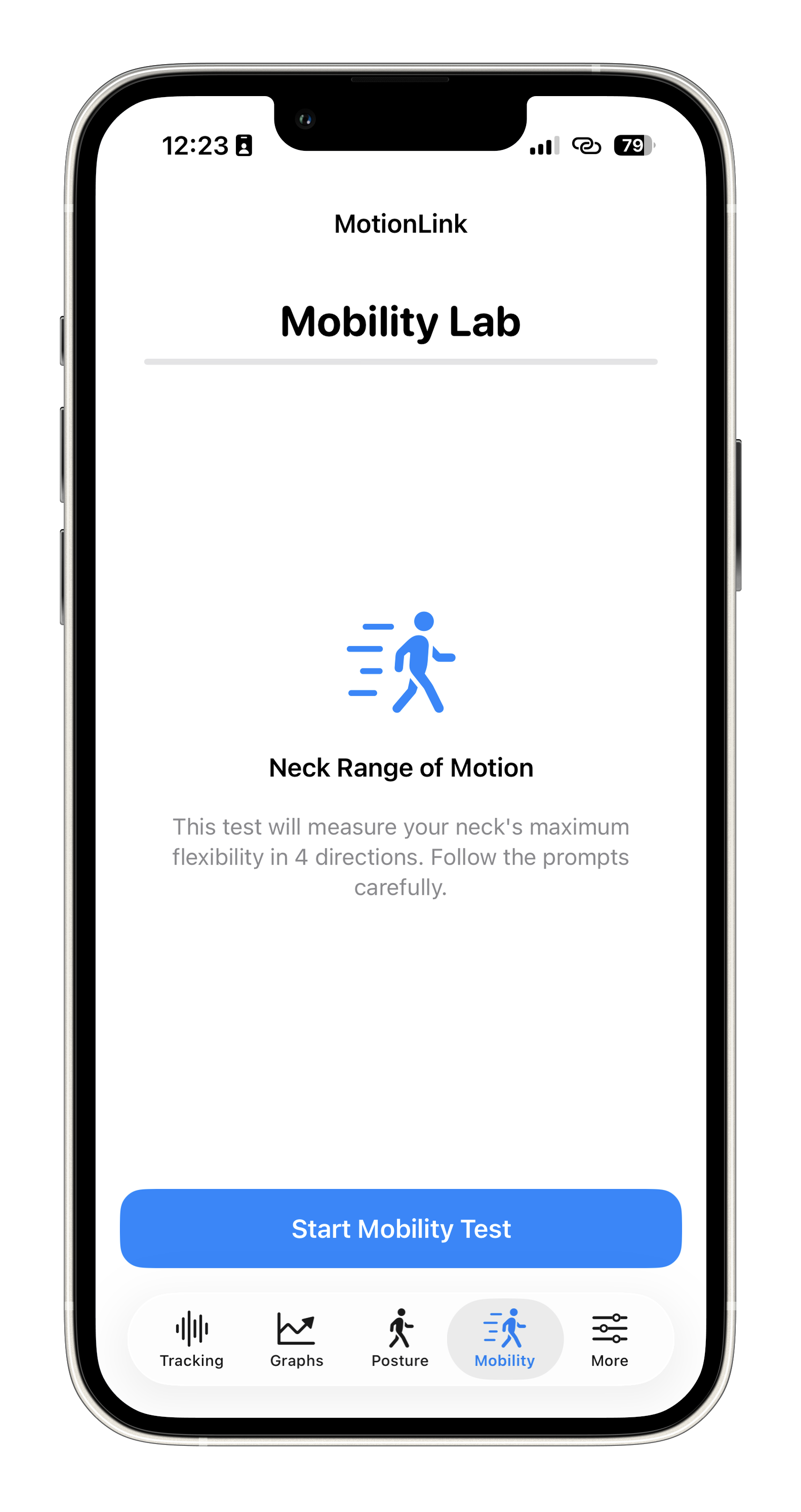
Mobility Lab
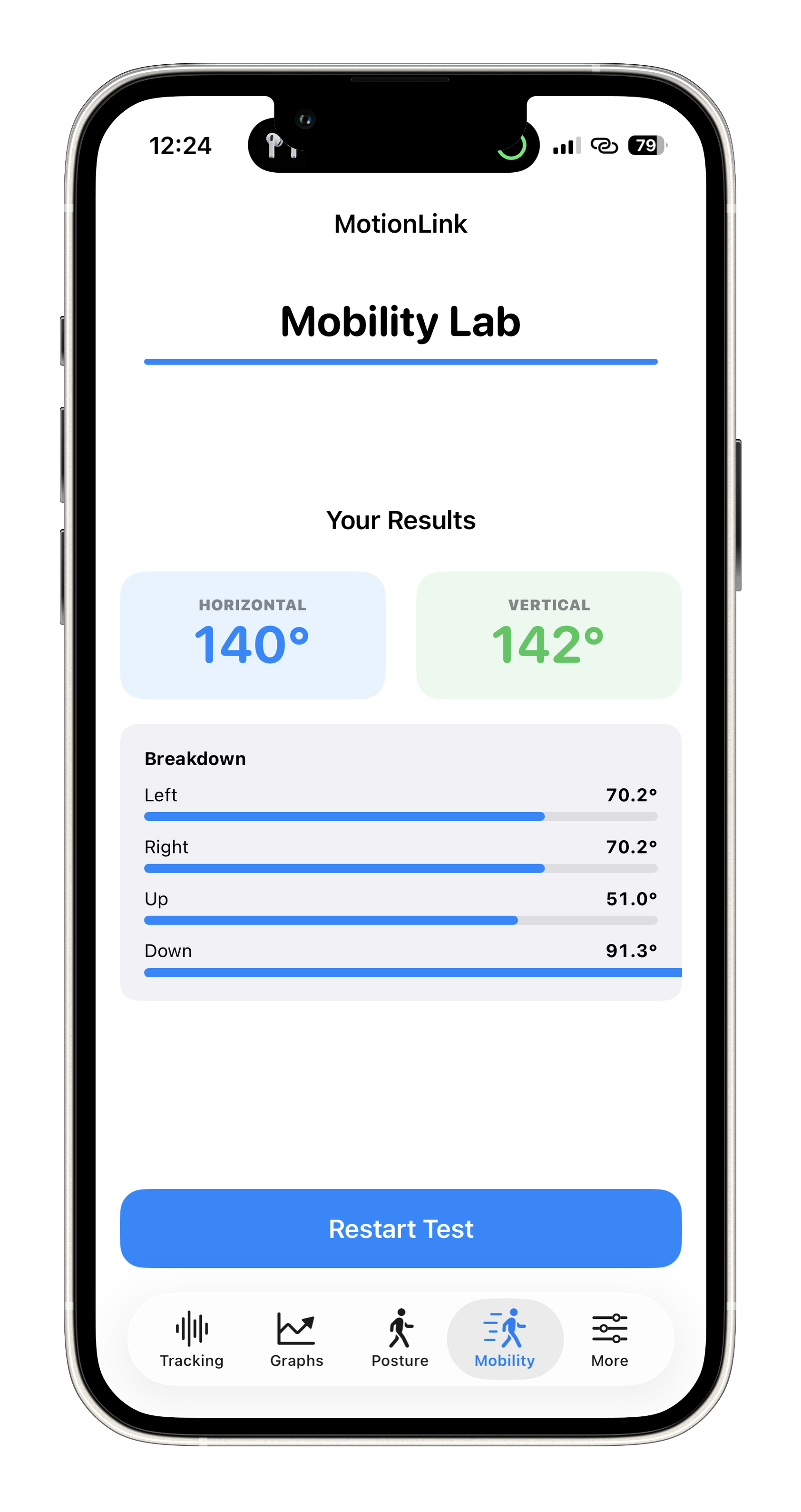
Mobility Output
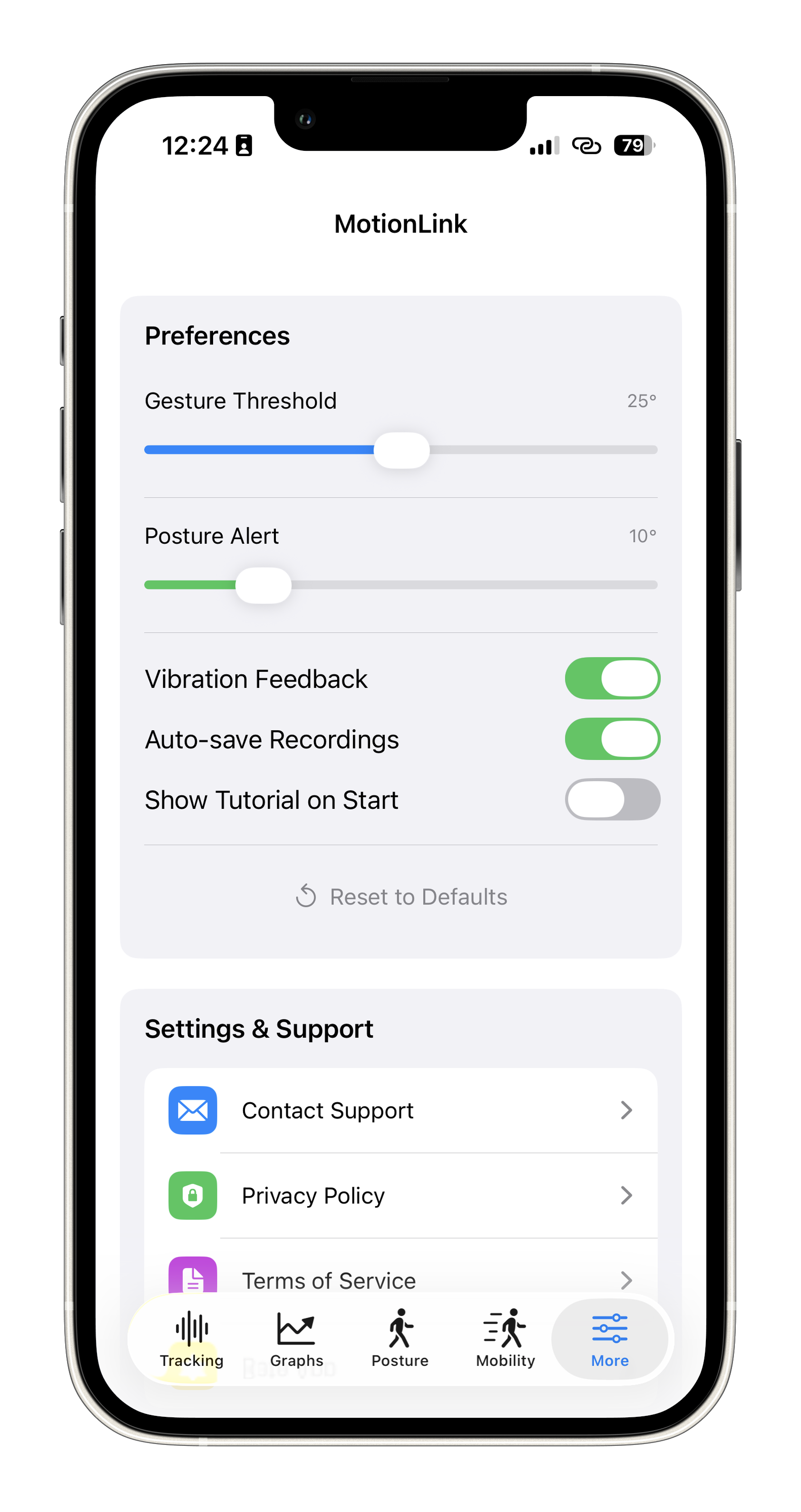
Settings and Permission
⭐ Rate the App
If you find MotionLink useful, please take a moment to rate it on the App Store. Your reviews help us reach more users and continue improving the app!